Top New IPTV Apps to Elevate Your Streaming in 2026
Discover the latest IPTV player apps making waves this year. Learn how to set them up for a seamless, buffer-free viewing experience on your favourite devices.

Streaming technology is evolving rapidly, and 2026 has brought a wave of new, highly optimized IPTV player apps to the market. Whether you are looking for better interface design, faster channel loading, or advanced multitasking features, there is a new tool ready to upgrade your home entertainment setup.
Why Upgrade Your IPTV Player?
While many users stick to the classics, newer apps are focusing on "couch-friendly" navigation and hardware acceleration. Modern players like IPTV Xtream now offer features like Picture-in-Picture (PiP) and background play, allowing you to multitask without missing a moment of your favourite live sports or news.
Getting Started: A Simple Setup Guide
Regardless of which app you choose, the process for getting your service running is generally consistent across most modern devices, including Android TV, Firestick, and Windows PCs.
- Choose Your Player: Download a reputable app from your device's official store (e.g., Google Play, Apple App Store, or Microsoft Store). Popular choices include IPTV Smarters Pro or TiviMate.
- Gather Your Credentials: Ensure you have your M3U playlist URL or Xtream Codes (Username, Password, and Server URL) provided by your IPTV service provider.
- Input Details: Open your chosen app and navigate to the "Add User" or "Playlist" section.
- Sync and Stream: Enter your credentials exactly as provided. Once saved, the app will automatically fetch your channel list, EPG (Electronic Program Guide), and VOD library.
Tips for a Better Experience
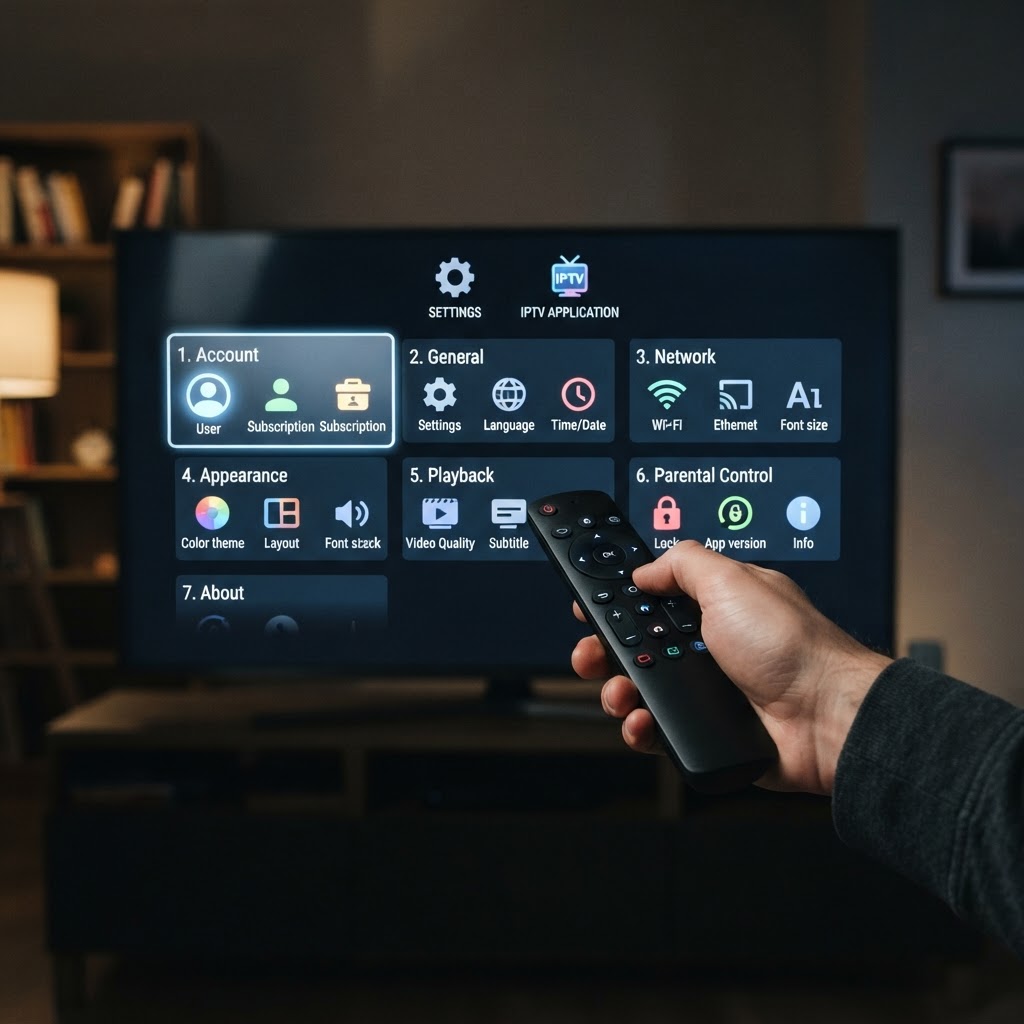
To ensure your stream remains stable, consider these best practices:
- Use a Wired Connection: If possible, connect your streaming device directly to your router via Ethernet to avoid Wi-Fi interference.
- Keep Apps Updated: Developers frequently release patches for performance and security. Check your app store regularly for updates to ensure you have the latest codecs for 4K streaming.
- Organize Your Content: Use the "Favorites" feature in apps like Smart IPTV Player to keep your most-watched channels at the top of your list, saving you time during busy match days.
Remember, these apps are simply media players. Always ensure you are using legally obtained content and respecting copyright guidelines when configuring your playlists.