Stay Connected: Your Guide to Irish TV at Home and Abroad
From the Late Late Show to the Rose of Tralee, discover how to keep up with your favourite Irish entertainment no matter where you are in the world.

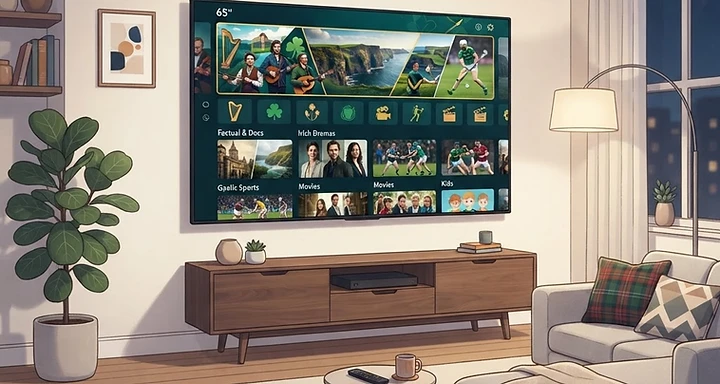
Whether you are living in the heart of Dublin or thousands of miles away, staying connected to home-grown Irish television is a priority for many. From the iconic Friday night staple, The Late Late Show, to the cultural phenomenon of the Rose of Tralee, Irish programming offers a unique connection to our culture, humour, and news.

Accessing Irish Favourites Anywhere
For those in Ireland, the RTÉ Player and Virgin Media Player are the go-to hubs for catch-up TV, soaps, and reality shows. However, these services are often geo-restricted, meaning they are difficult to access once you cross the border.
If you are an Irish expat looking to keep up with home-grown content, you have a few options:
- VPN Services: Using a reputable VPN allows you to obtain an Irish IP address, tricking streaming platforms into thinking you are browsing from within Ireland. This is a common method for accessing RTÉ Player abroad.
- IPTV Solutions: For a more comprehensive experience that bundles live channels, sports, and on-demand content into one interface, many viewers are turning to IPTV.
When you are ready to upgrade your setup, knowing how to purchase IPTV subscriptions is the first step toward a seamless viewing experience.
Why IPTV is Changing the Game
Traditional satellite and cable contracts can be expensive and often lack the flexibility modern viewers demand. IPTV services provide a modern alternative, offering:
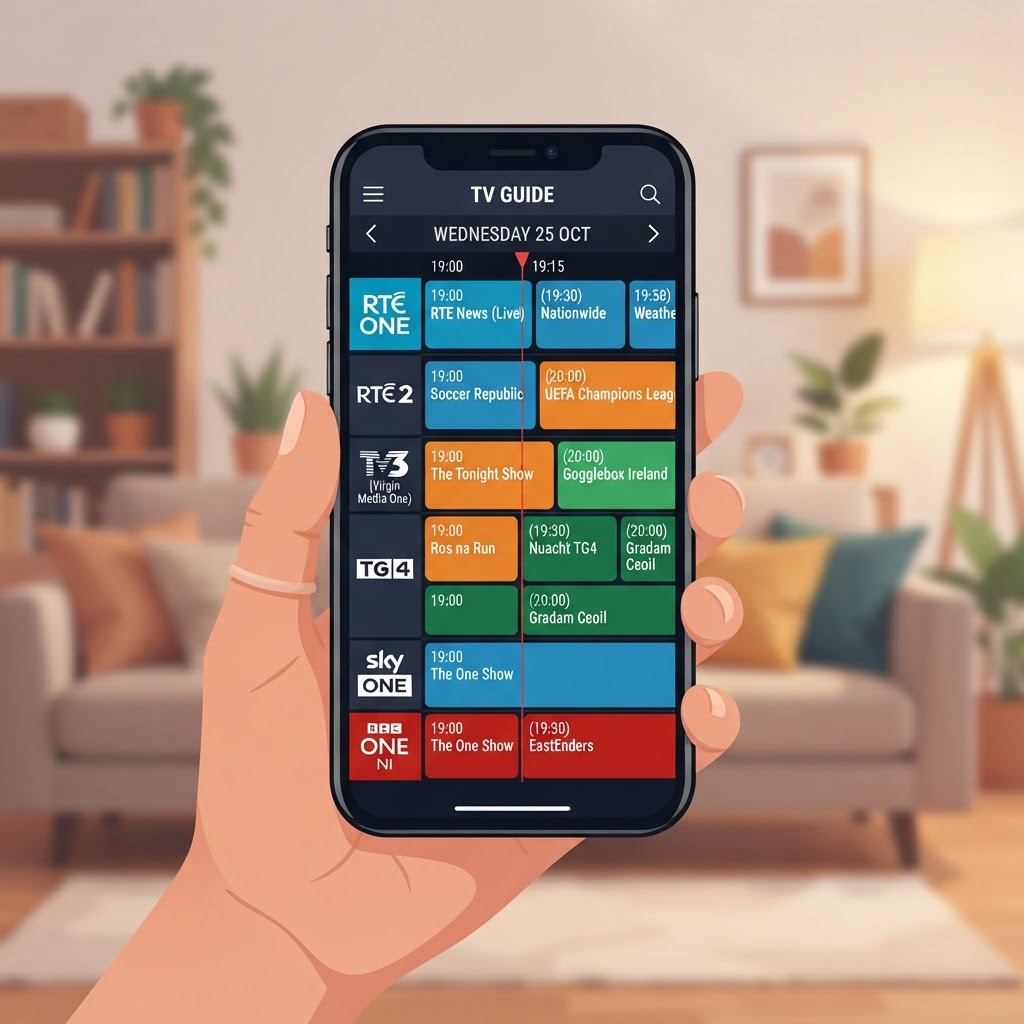
- Live Irish Channels: Access to RTÉ One, RTÉ Two, Virgin Media, and TG4 in high definition.
- Sports Coverage: Never miss a GAA match or a Premier League game again, as many premium services include full sports packages.
- Multi-Device Support: Stream on your smart TV, Firestick, phone, or tablet using apps like TiviMate or IPTV Smarters Pro.
Getting Started with Your Setup
Setting up your own streaming hub is easier than you might think. Follow these simple steps to get started:
- Choose a Reliable Provider: Look for services that offer stable infrastructure and 24/7 support.
- Select Your Player: Download a compatible app such as IPTV Smarters Pro on your preferred device.
- Configure Your Credentials: Input the M3U or Xtream Codes provided by your subscription service.
- Test Your Connection: Ensure you have a stable internet connection—at least 15 Mbps is recommended for HD streaming.
By making the switch, you ensure that whether it is the latest news, a gripping drama, or the excitement of the All-Ireland final, you are never more than a click away from home.